Swagger Integration
ReadyAPI provides extensive support for Swagger/OpenAPI definitions. Create new ReadyAPI projects using your existing Swagger/OpenAPI definition, import definitions from and export them to Swagger Studio, and so on.
Swagger Studio support
ReadyAPI supports the following Swagger Studio versions:
Swagger Studio SaaS
Swagger Studio On-Premise 1.23.0-43 or later
Prerequisites
The Swagger Studio integration feature is included in ReadyAPI. You don't need to install any plugins.
Manage your Swagger Studio account
You can add your Swagger Studio account to ReadyAPI and use it in any projects for Swagger Studio-related actions such as importing a definition.
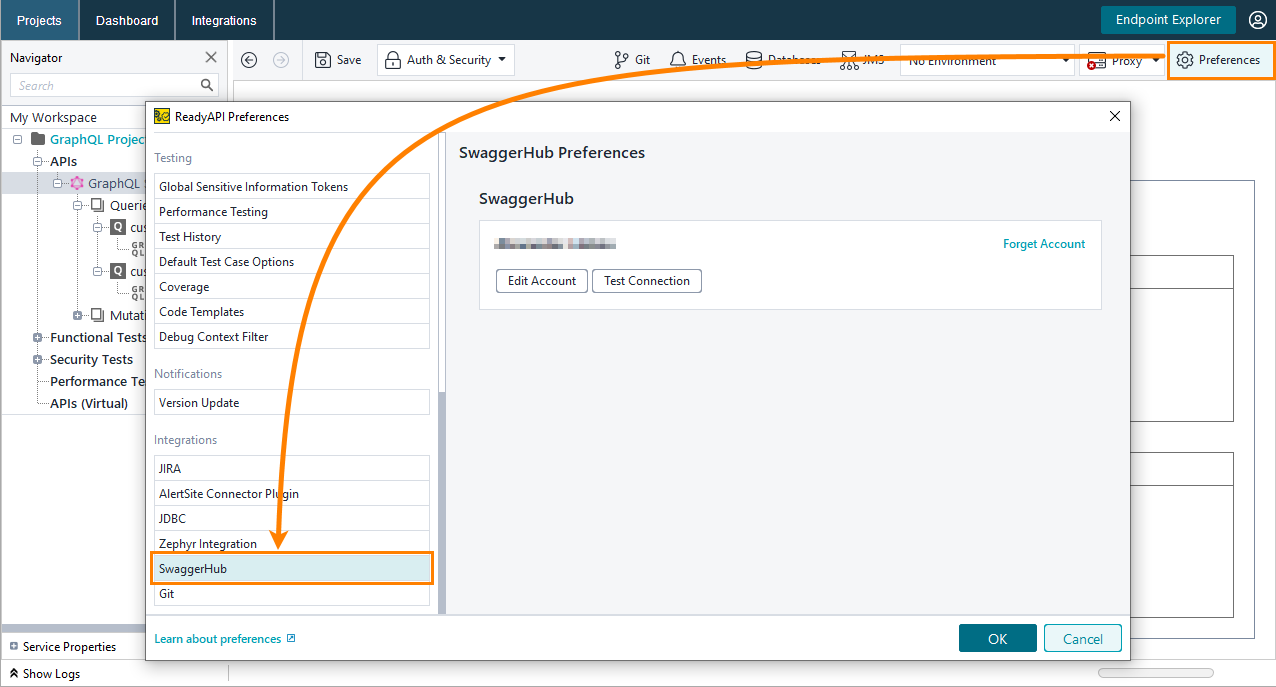
To open the account manager, click  Preferences on the main toolbar and select the Swagger Studio tab:
 |
If you haven't set up a Swagger Studio account in ReadyAPI yet, the account manager will have the Log in to Swagger Studio button. Click the button and set up your connection:
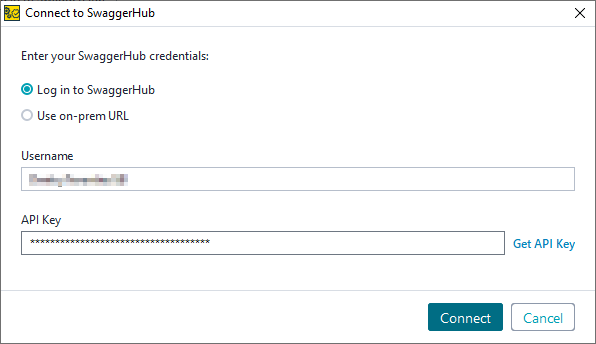 |
If you use Swagger Studio On-Premise, select Use on-prem URL and enter the URL of your Swagger Studio instance.
In the Username field, enter your Swagger Studio username.
Note
The Swagger Studio integration does not support logging in with a GitHub account.
In the API Key field, enter your API key.
Tip
If you click Get API Key, you will be taken to the Swagger Studio API Keys page in your web browser. You can copy your API key from there.
Note
You can only add one Swagger Studio account to ReadyAPI.
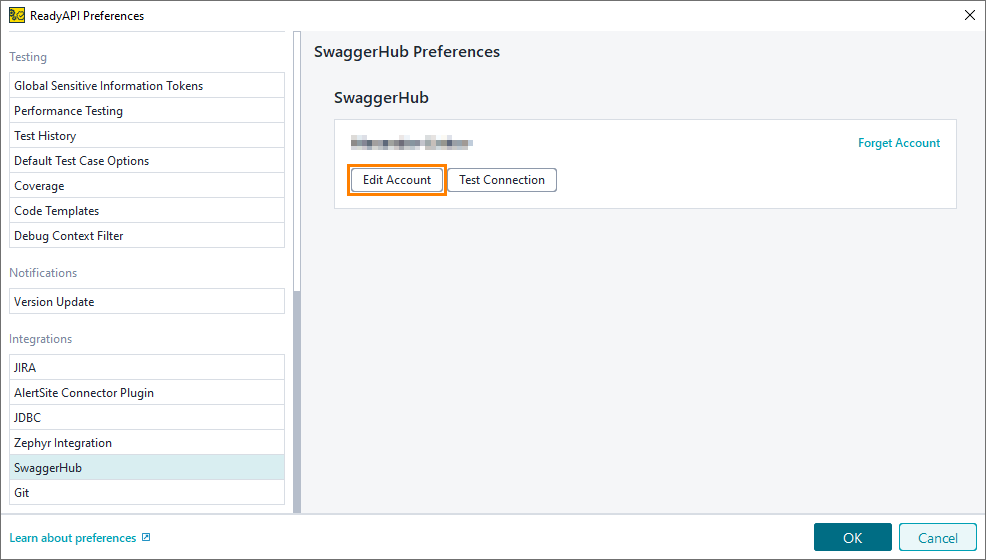
If you already have a Swagger Studio account added to ReadyAPI, but you want to edit it, select Edit Account:
 |
To test if your account can connect to the server, select Test Connection.
Import Swagger definitions
Expand your projects by adding Swagger definitions to them. ReadyAPI supports importing definitions from Swagger Studio (both the Swagger Studio SaaS and Swagger Studio On-Premises) for and definitions – see Import from Swagger Studio for more information.
Notifications for Updated API Versions
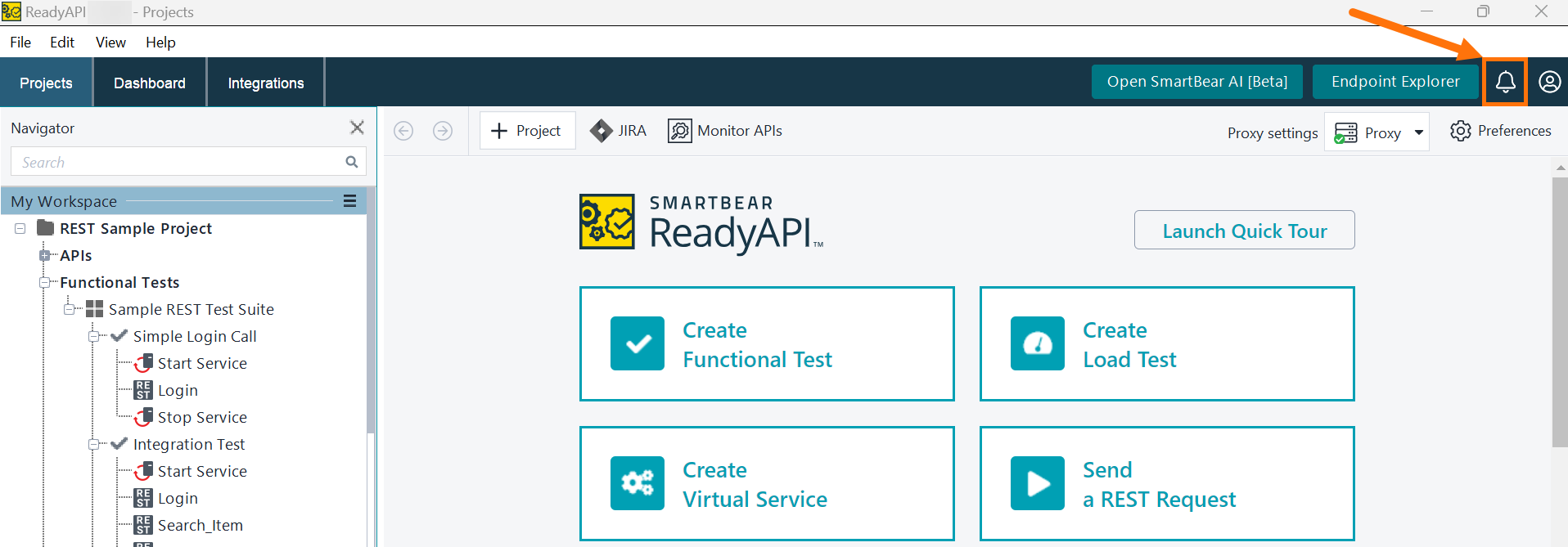
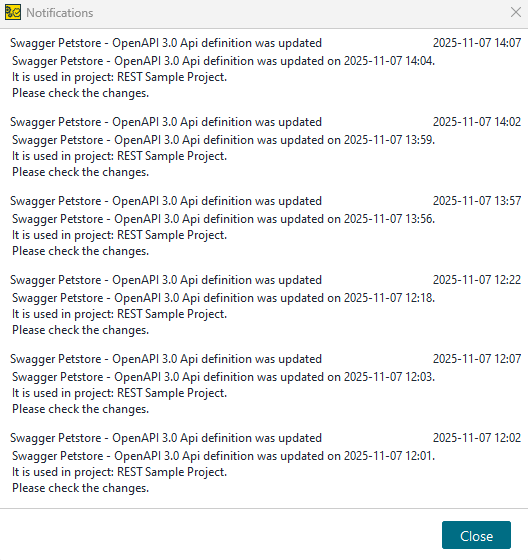
ReadyAPI checks Swagger Studio for newer versions of the APIs used in your projects. When it detects an update, it adds an alert to the Notifications Center. You can review the notification, open the updated API definition, and update or refactor your tests as needed.
 |
 |
Export Swagger definitions
Use ReadyAPI to export any REST services in the OpenAPI/Swagger format (as a .json, .yaml, or .xml file), or to immediately publish them on Swagger Studio. See Exporting APIs for more information.
Validate Swagger service responses
To ensure your service sends responses that meet the Swagger specification requirements, use the Swagger Compliance assertion in your functional tests.