Test History Page
The History page provides an overview of previous test runs, including execution results and timing details.
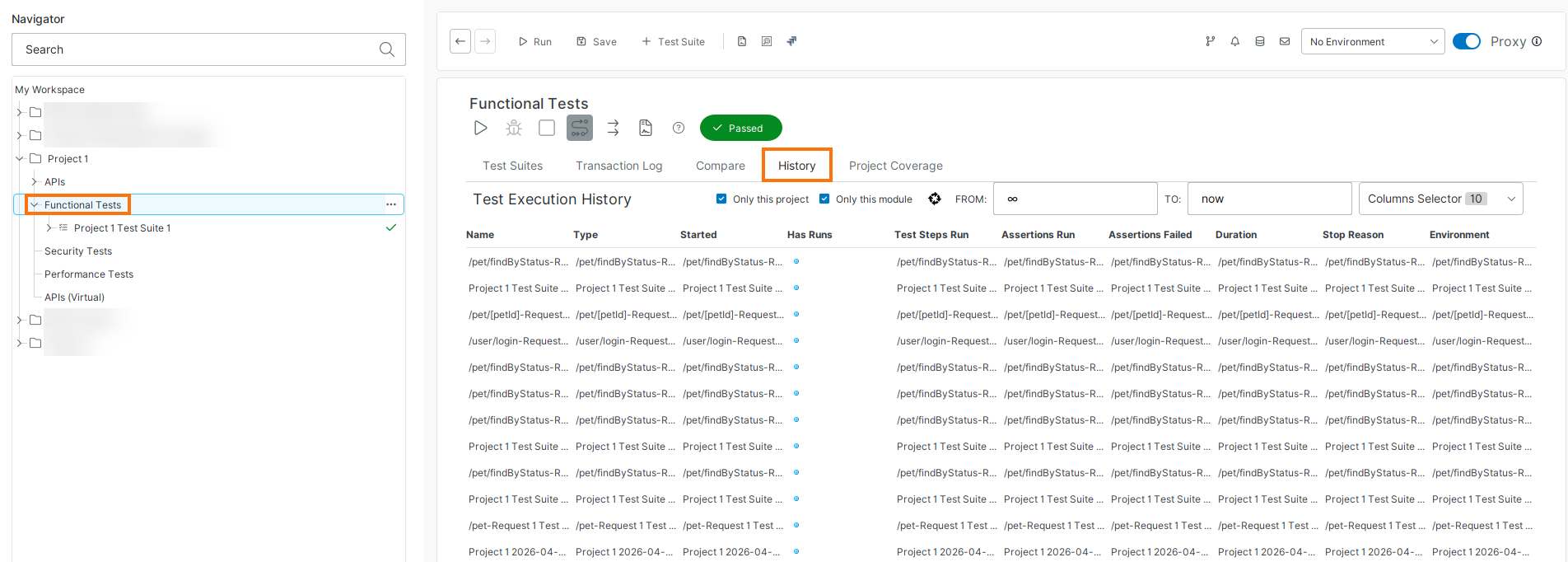
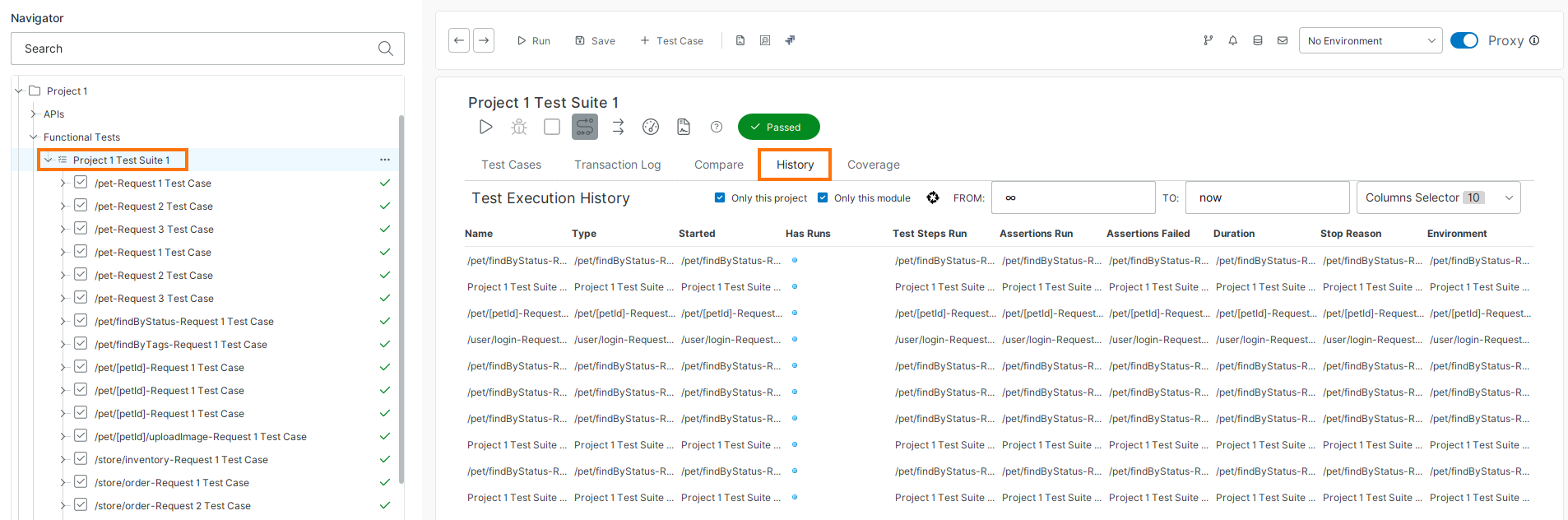
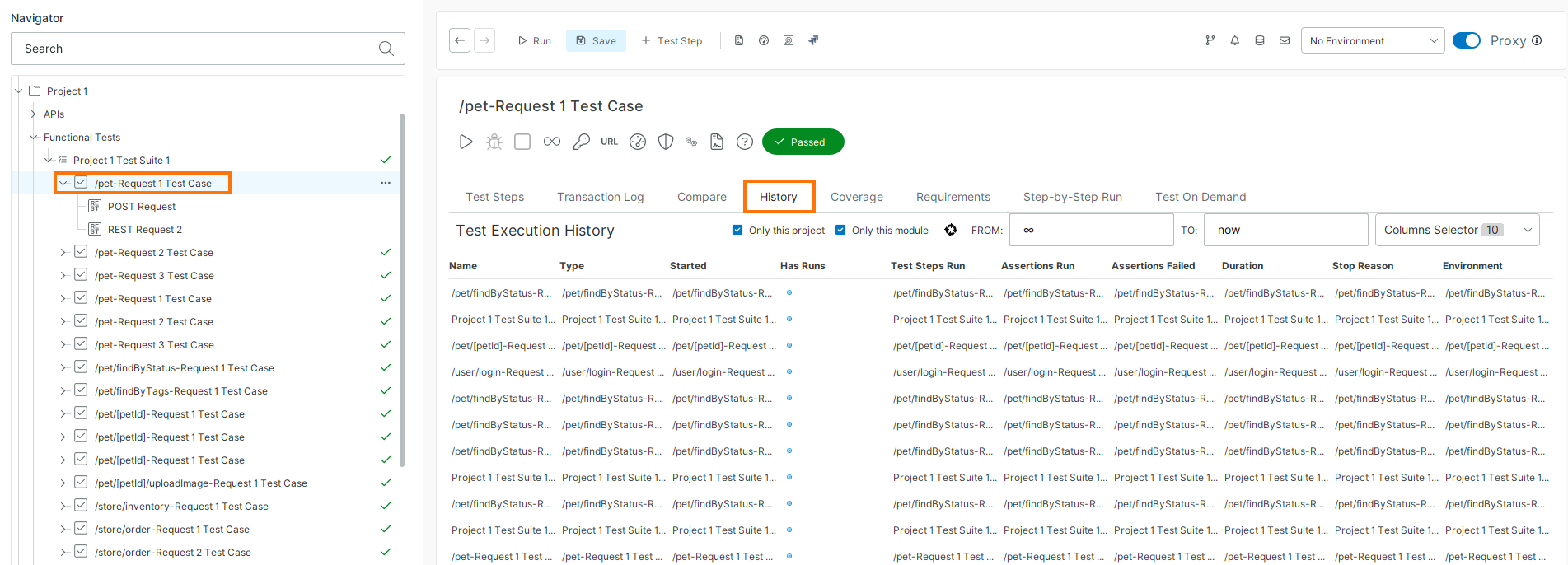
You can access the History page at the following levels:
Project
Test suite
Test case
View test run history
The History table lists past test runs with details such as execution time, duration, and status.
By default, ReadyAPI shows results for the current project.
You can adjust the view using the available filters:
Clear Only this project to display results from all projects.
Clear Only this module to include other test types (for example, security tests).
Use the From and To fields to filter results by date. Date format:
YYYY-MM-DD HH:MM:SS(for example,2026-02-12 23:20:12)Select columns to display from the Columns drop-down menu.
Create Test History Backup
ReadyAPI stores test history locally. To prevent data loss, create regular backups.
To create a backup, select File, then Backup Test History, and specify the backup file.
To restore a backup, select File, then Restore Test History, and specify the backup file.
Stored Results Location
ReadyAPI stores functional test results in a separate database to prevent excessive growth of the project file.
Default location: <user folder>/.readyapi/db/readyapi.h2.db
You can configure how many results to keep in Test History settings.