OpenID Connect
OpenID Connect is an extension of the OAuth 2.0 framework. Client applications use it to verify a user's identity through the authorization server. The authorization server performs the authentication and returns an ID token - encoded information about the user.
Configure OpenID Connect
To configure OpenID Connect, follow these steps:
Create an OAuth 2.0 or OAuth 2.0 (Azure) authorization profile.
Click Get ID Token in ID Token (Optional):
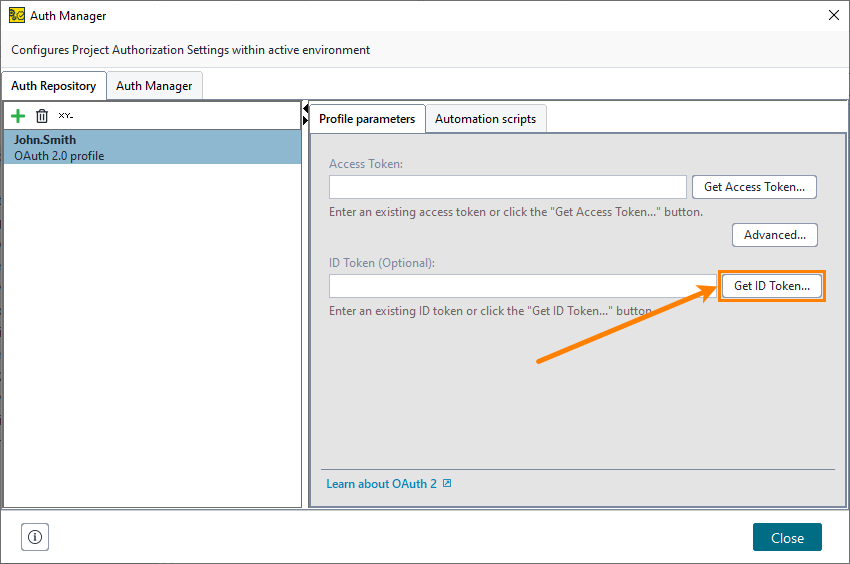
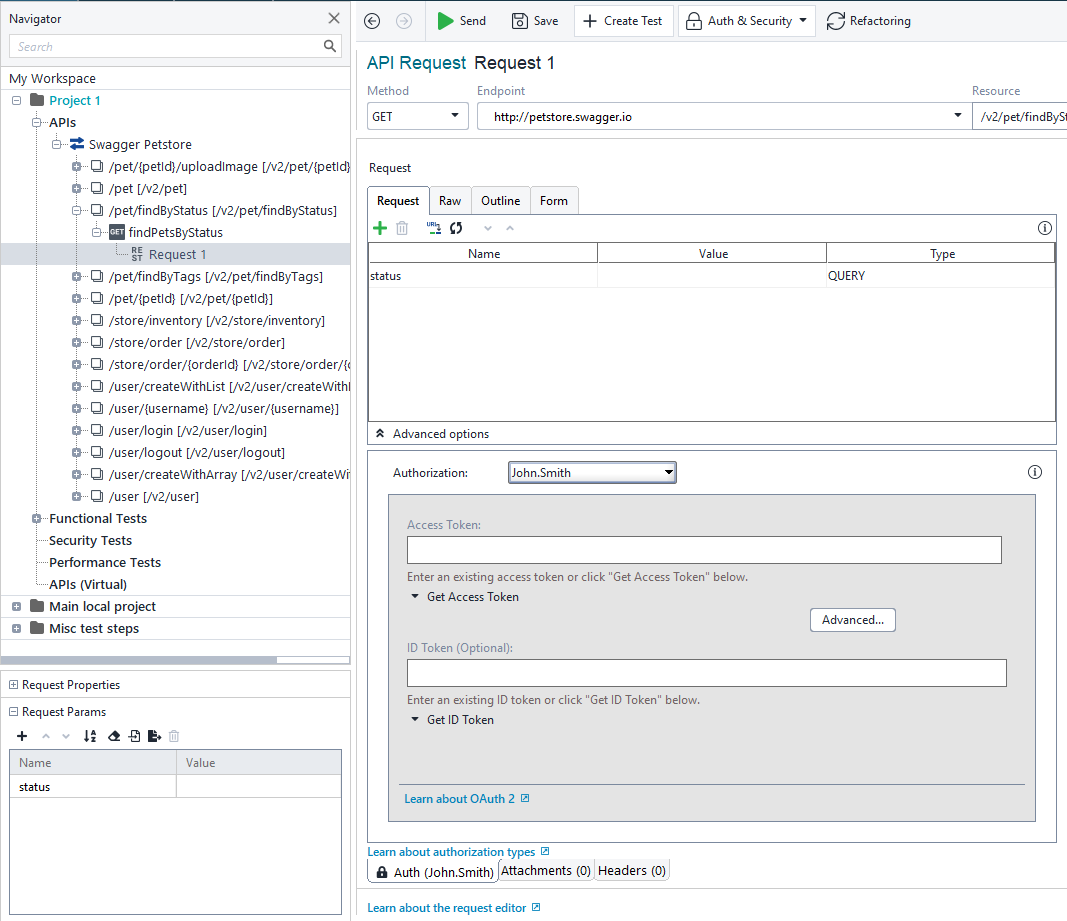
Select the needed authentication grant type and configure the request. The following topics describe the corresponding settings:
How to use ID token
ReadyAPI stores the ID token in the authorization profile object. To get the token value, use the following Groovy script:
Then use the property expansions to insert the token wherever you need. For example, if you get the ID token in the Get ID Token test step, use the following property expansion to retrieve it:
${Get ID Token#result}