Renew Licenses
Important Notice for ReadyAPI Customers
Starting from ReadyAPI 3.62.0, VirtServer 3.29.0, and TestEngine 1.34.0, SmartBear has deprecated file-based licenses in favor of the ID-based SmartBear License Management (SLM) system. As of October 1, 2025, file-based licenses are no longer issued, activated/deactivated, or supported; all new and updated licenses are managed through SLM. For further information and timelines, refer to the File-Based License End-of-Life Policy page.
ReadyAPI warns you when your license is about to expire or has already expired. You can renew the license in advance before the expiration date, or 3 days after this date to avoid pauses in your working process.
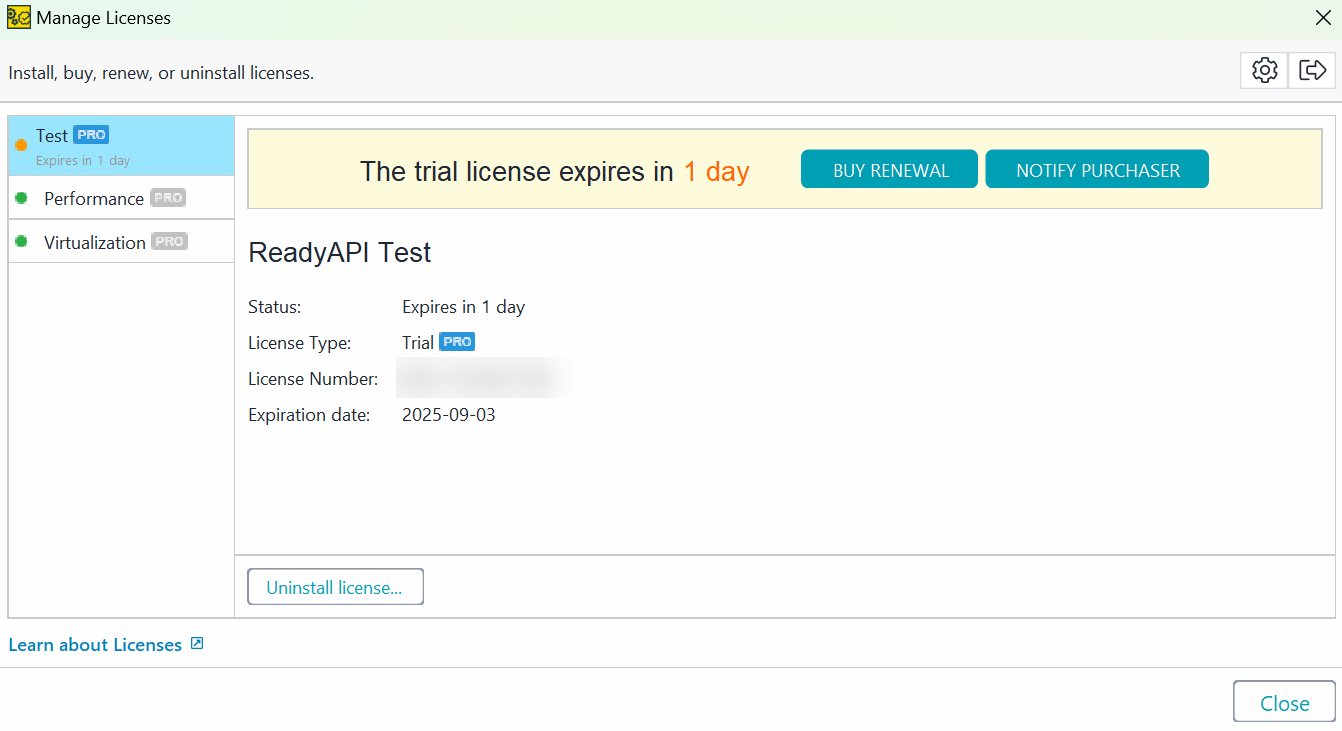 |
The renewal license will be activated when its start date comes, so you can install it right after you get it.
To get the renewal license:
If you purchased the software, click Buy Renewal. ReadyAPI will open the online shop with the required license in the cart. Purchase a new license.
If someone else purchased the software, click Notify Purchaser. ReadyAPI will generate an email that you can send to the person responsible for buying licenses.
Once a new license is purchased, you or your system administrator installs it as usual:
