Create Projects
Create an empty ReadyAPI project in one of the following ways:
If there are no projects in your workspace, click Create in the Navigator.
From the main menu, click File > New Empty Project.
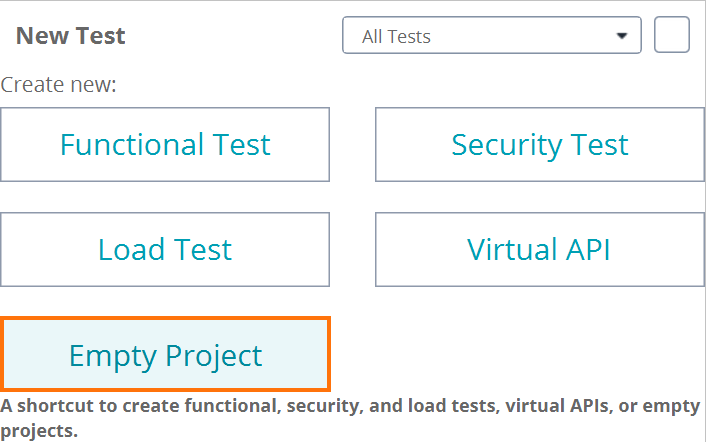
On the Dashboard, click Empty Project on the New Test tile:
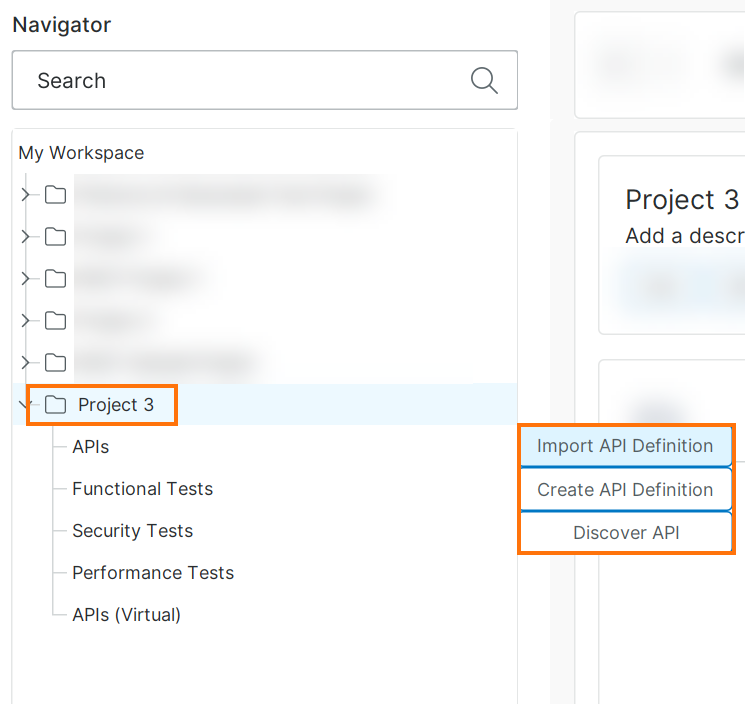
After creating a project, ReadyAPI offers you to add an API to it:
 |
Next steps
 Adding More APIs to Existing Projects