Activate Trial License Online Without ReadyAPI
Important Notice for ReadyAPI Customers
Starting from ReadyAPI 3.62.0, VirtServer 3.29.0, and TestEngine 1.34.0, SmartBear has deprecated file-based licenses in favor of the ID-based SmartBear License Management (SLM) system. As of October 1, 2025, file-based licenses are no longer issued, activated/deactivated, or supported; all new and updated licenses are managed through SLM. For further information and timelines, refer to the File-Based License End-of-Life Policy page.
This topic explains how to get a trial version of ReadyAPI. If you already have a ReadyAPI tool installed and want to try the Pro features of a particular tool, see Activate Trial License Online from ReadyAPI.
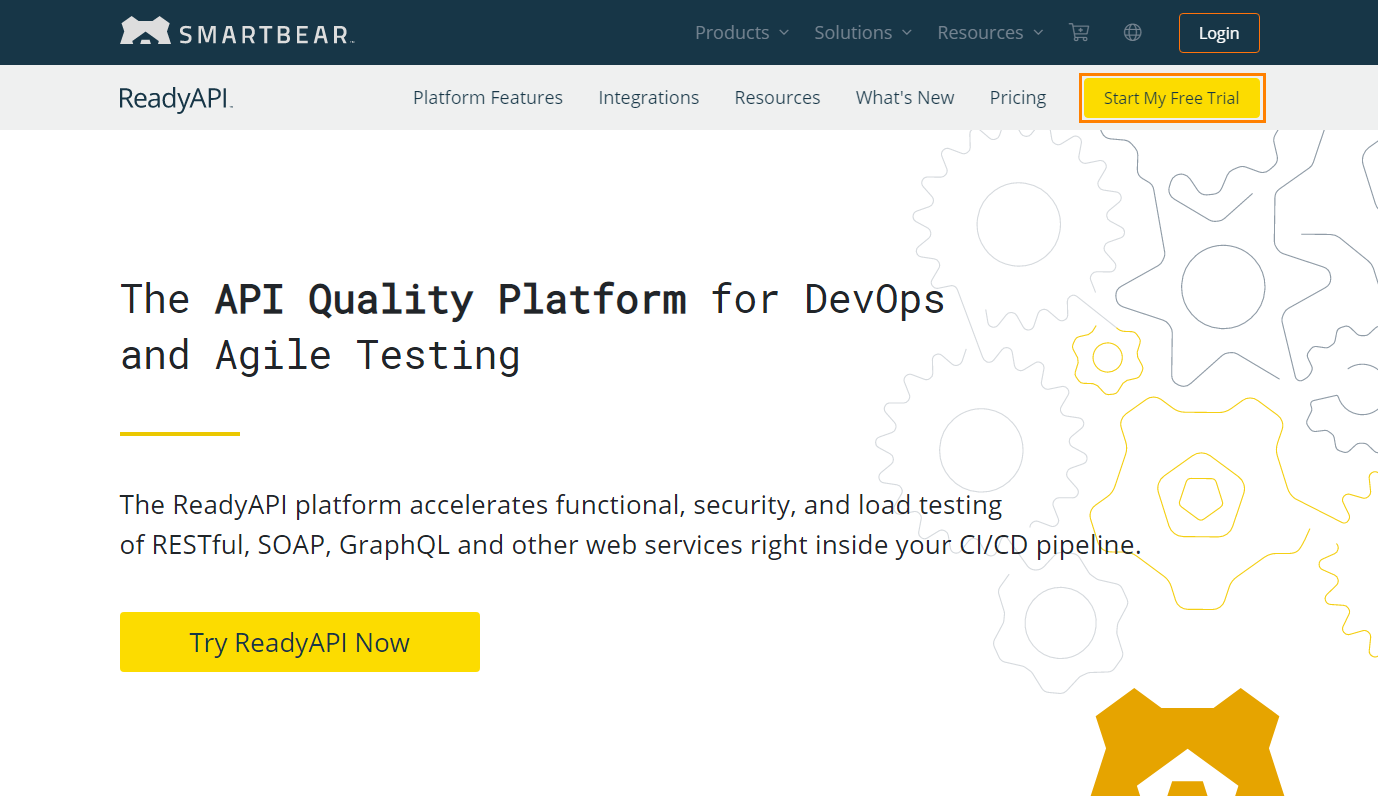
Go to the ReadyAPI page on the SmartBear website.
Click Start My Free Trial.
Note
A ReadyAPI trial license includes trial licenses for ReadyAPI Test, ReadyAPI Performance, and ReadyAPI Virtualization. If you want to try a particular tool, select it from the Products drop-down menu at the top of the page.
On the next page, you will be asked for contact information. Fill out the form and click Start Trial.
On the next page, you will be asked to download the ReadyAPI installation file.
Important
Do not rename the installation file.
Install ReadyAPI using the downloaded file. See ReadyAPI Installation Guide.
If your computer has an Internet connection, your trial license will be activated automatically.
If your computer does not have an Internet connection, see Activate Trial License Offline.
In case of an error
If there is an error, you will see a message explaining the problem. See Troubleshooting for information on typical issues and possible solutions.
If you are unable to solve the problem, contact our Support Team. We will be glad to help you.